
freequeue
iOS offline player for the music and audiobooks you already own
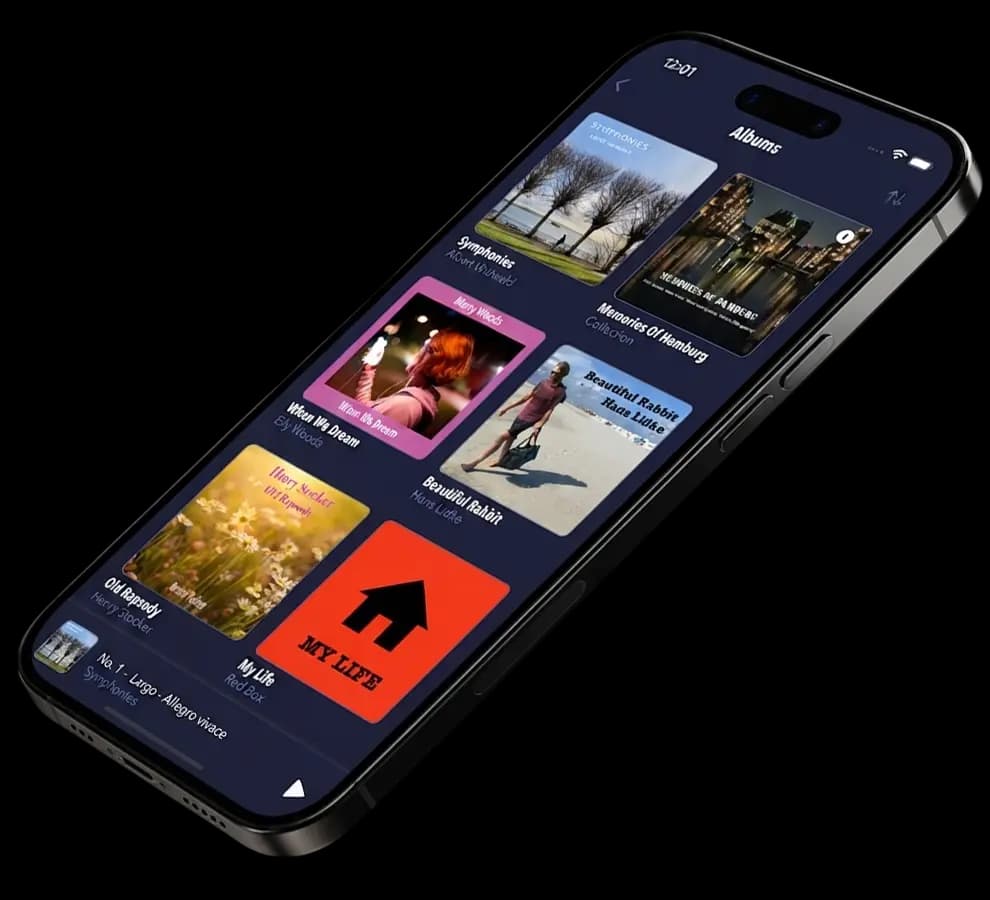
Built around the files you already have
Your own files
Easily import your audio files from your computer or iPhone. They stay exclusively on your device.
Fully organized
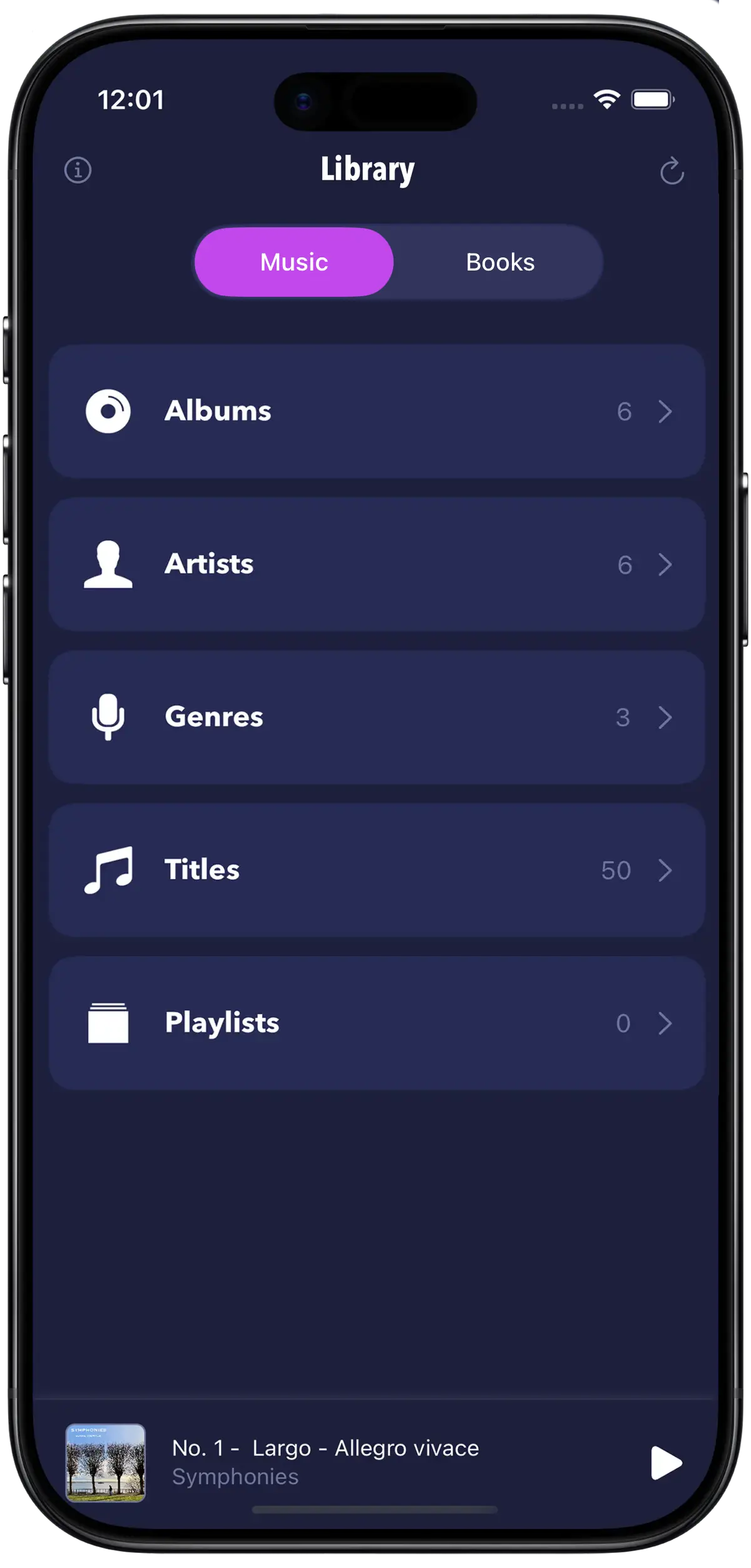
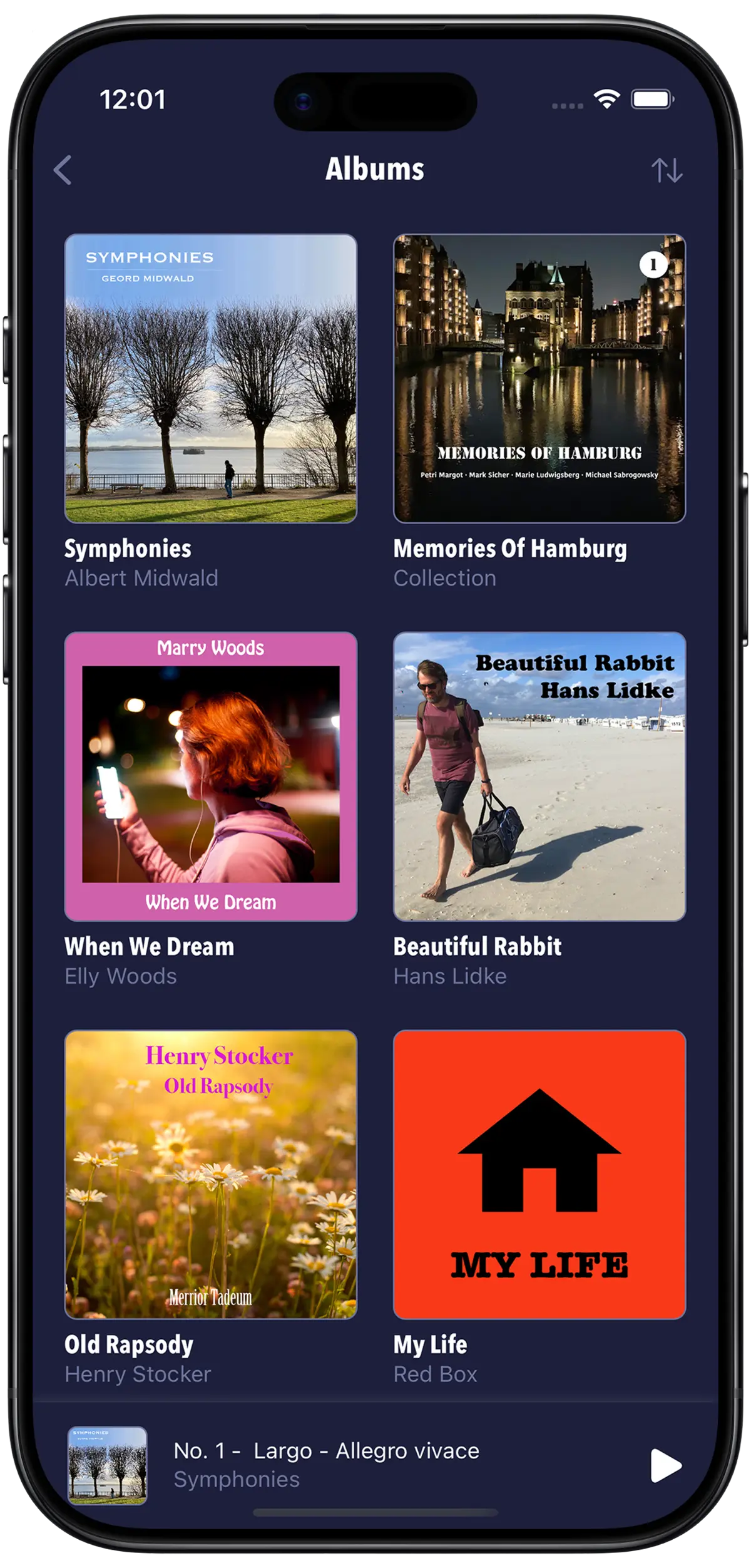
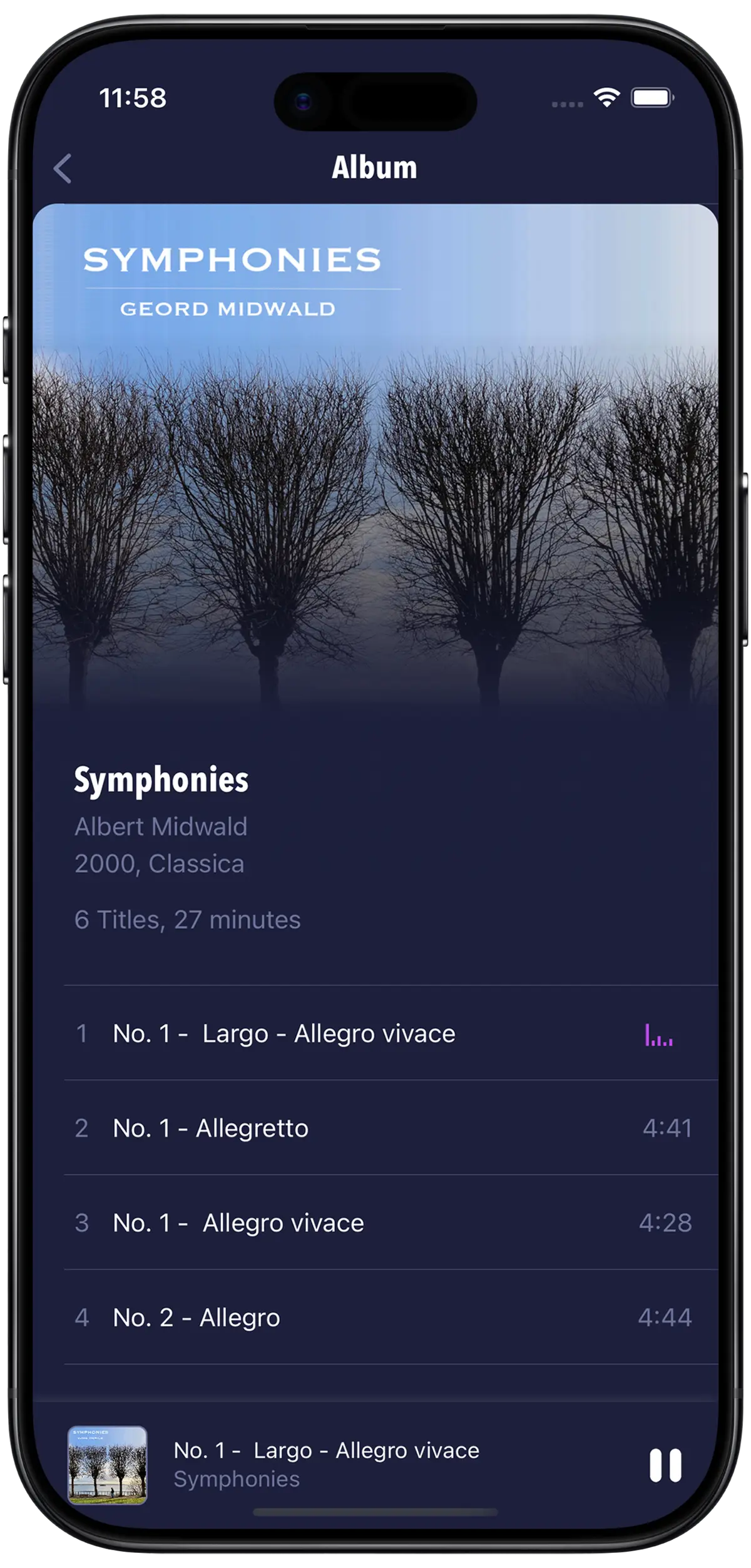
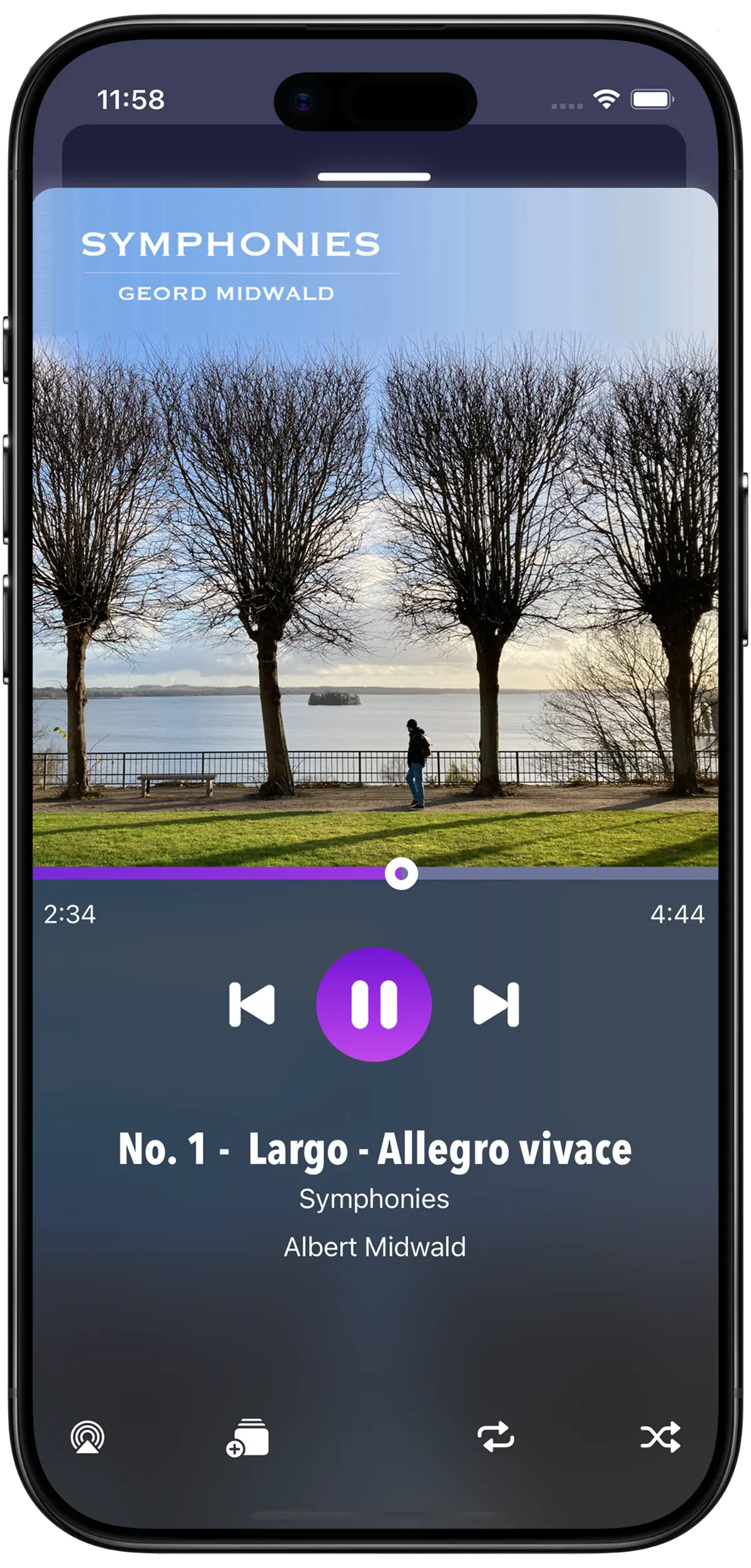
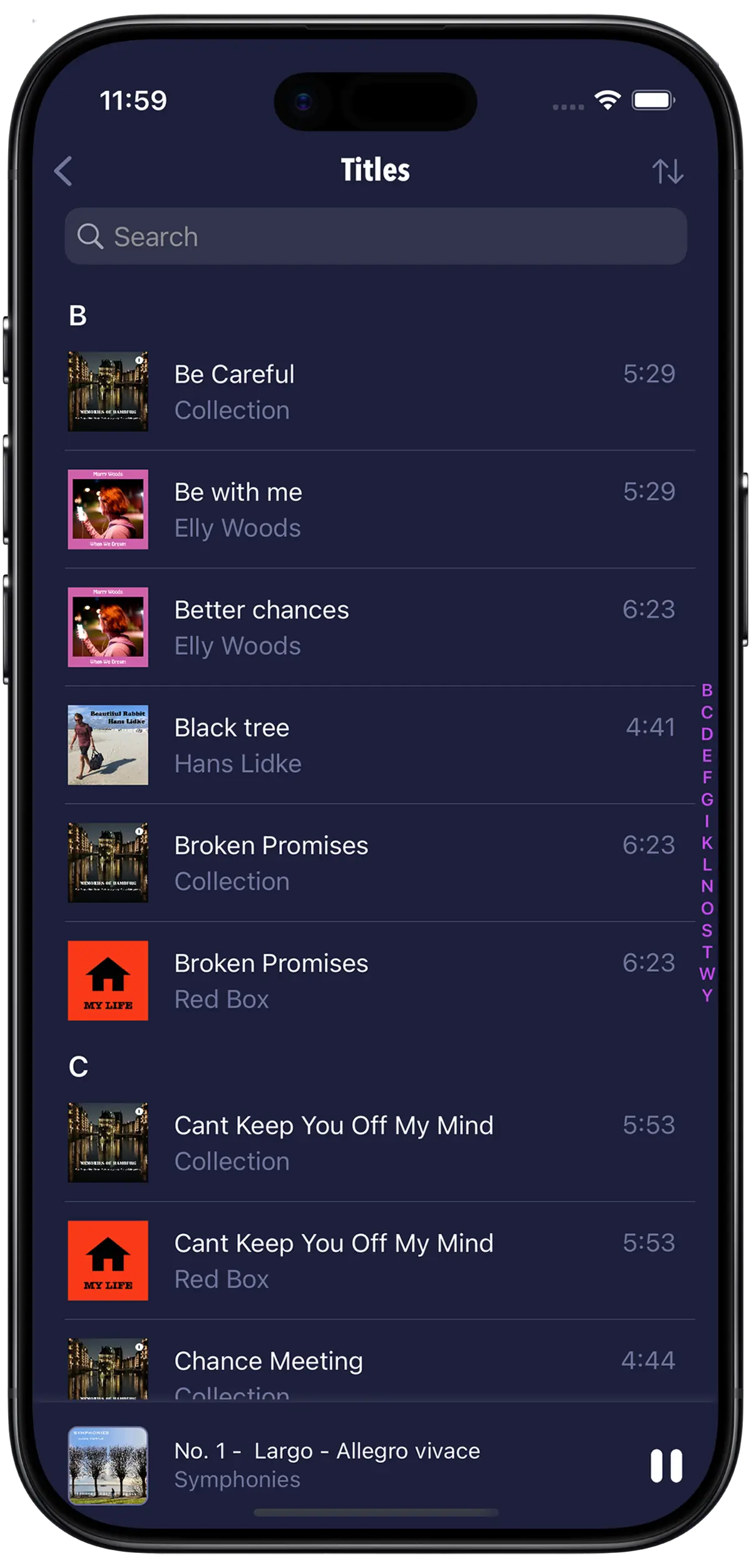
Browse by album, playlist, artist, genre, author, or book – sorted for you automatically.
Audiobooks
Listen to your M4B audiobooks with chapters. freequeue remembers where you left off.
CarPlay
Listen to your library on the go – right from CarPlay in your car.
A library that stays out of your way
Add tracks to your library
Via computer
Connect your iPhone to your computer and copy your audio files into freequeue's shared folder via Finder or the Files app. Then open freequeue and tap Index to scan and add them to your library.
Directly on iPhone
Add files straight from your iPhone - share them from another app or download them into the freequeue shared folder. Don't forget to tap Index afterwards to update your library.
Available on the App Store
Try freequeue for free and import up to 30 tracks and one book. The free version is yours to keep. No time limit, no ads! Unlock unlimited tracks and books with the full version. Download and start playing your own audio files you already have.
Coming soon to the App Store